

Children and parenting
Services and resources for families with children.
Services and resources for families with children.
If you have children 12 years or younger, you may qualify for Child Care Subsidy.
Services and resources to help you during pregnancy.
Learn about breastfeeding, bottle feeding, and starting solid foods.
How to care for your baby and what to expect in the first year.
Caring for your child from 2 to 6 years.
Help covering the cost of licensed child care for your children 12 years or younger.
Working with families and licensed child care providers.
Safe and welcoming programs for families with children under 6 years.
School screening, dental clinics and services.
Learn how to keep your child’s eyes healthy.
Where and when to get your child vaccinated to protect against diseases.
Resources and requirements for licensed providers.
Learn about living actively with your family.
Peel Region is committed to being an inclusive and safe environment for everyone. We’re in the process of updating our resources to ensure our language includes all families.

95% of licensed child care providers in Peel are participating in the Canada-Wide Early Learning and Child Care plan.
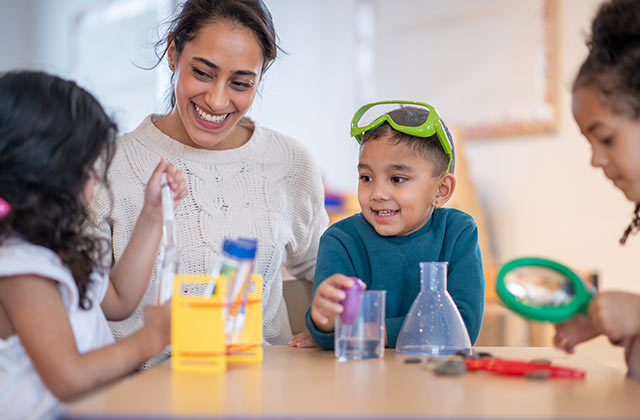
Raising awareness of the importance of child care and to recognize the work of Ontario’s early childhood educators.

Every time your child gets vaccinated you need to report it to Peel Region.
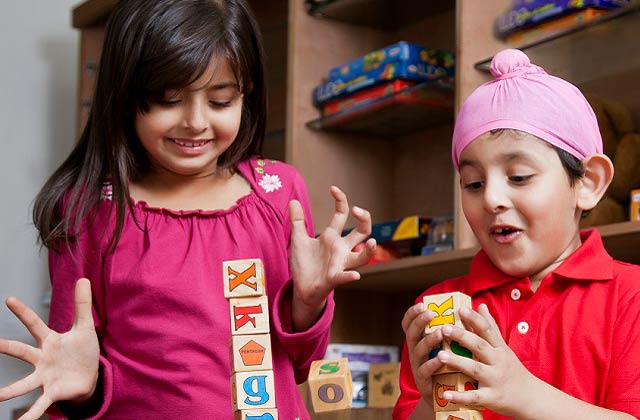
A strong early years and child care system helps prepare our children for future success.